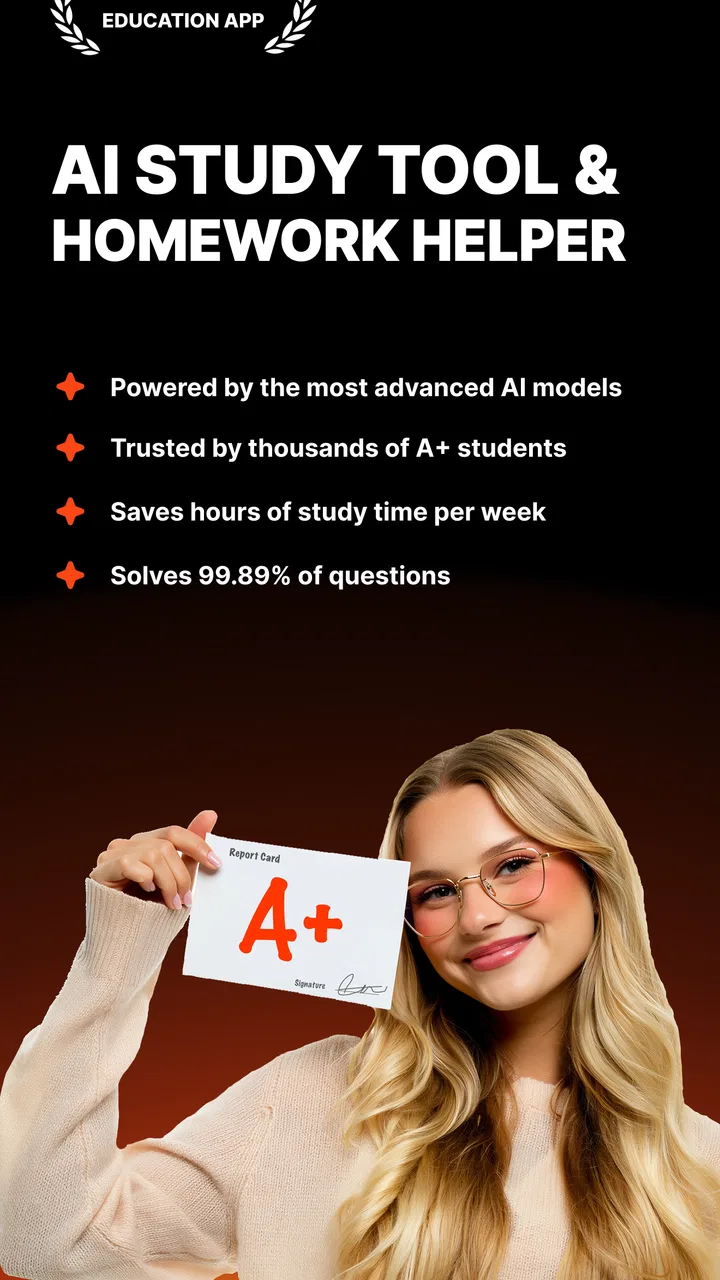
Studley: AI Study Tutor
- 4.8
- Rating
- 1.00M
- Installs
- Free
- Price

 Analysis by App-foxy
I tend to judge study apps by what happens after the first enthusiastic download. Can the app fit into a real routine, or does it become another icon that promises organization without changing how anyone studies? Studley: AI Study Tutor caught my attention because it brings flashcards, notes, and quizzes together in one education app rather than treating them as separate jobs. In my experience, that combination is most useful when I begin with material I already have and need help turning it into something I can actually review.
Studley is made by Studley AI Inc. and is available free of charge, with optional in-app purchases ranging from $7.99 to $129.99 per item. Its store rating sits at 4.8 from around 103 thousand ratings, and the app has passed one million installs. Those figures suggest that it has reached well beyond a small group of early testers, but I would still look at the way it fits your study habits rather than treating popularity as proof that it suits everyone.
How Studley fits into a shared household study routine
The most convincing use case for me is a busy household where one device may move between a student, a parent helping with homework, and perhaps a sibling preparing for a different subject. A typical evening might start with a student adding class notes, continue with a short quiz before dinner, and finish with flashcards during a commute or while waiting for an activity to begin. The value is not simply having three tools in one place; it is being able to move from source material to active recall without rebuilding the same lesson elsewhere.
You May Also Like

 Blood Strike: 2.5 Anniversary
Blood Strike’s Loadouts Turn Every Drop Into a Tactical Gamble
A close look at Blood Strike’s custom loadouts: how fast access to signature weapons reshapes its battle royale rhythm, rewards preparation, and narrows the gap between fights.

 Pandora - Music & Podcasts
Pandora’s Music Is Easy to Start, but Harder to Recover
Pandora’s strength is its low-effort path from a seed to a station. Its weak spot is how much confidence it asks you to place in connection, setup, and quiet recovery.

 8 Ball Pool
 Is Built on Rivalries, Rematches, and Routine
A close look at the rivalries, rematches, shared routines, and unanswered safety questions that turn a quick pool match into a persistent mobile community.

 Samsung Music
’s Quiet Strength Is Playing What You Already Own
Its reach comes less from spectacle than from dependable access to a personal library. That simplicity is both the app’s strongest retention engine and its ceiling.

 AccuWeather: Weather Radar
AccuWeather Review: A Quick, Clear Forecast for Everyday Decisions
For everyday plans, the best forecast is the one you can understand quickly. AccuWeather makes rain timing, radar, and local conditions easy to act on, with a few trade-offs.

 Hill Climb Racing
Why Hill Climb Racing Still Turns Crashes Into One More Run
A tiny car, a bumpy hill and one more upgrade: Hill Climb Racing keeps resurfacing because its simple chaos makes every near-miss feel personal.
More From Our News Desk



That shared-device scenario also exposes an important boundary. A study app is personal even when the phone or tablet is not. Notes, generated study material, progress, and any account information should be treated as belonging to the person using the app at that moment. I would not hand the device around casually while a private study session is open, especially if the material includes school details, personal notes, or information that another household member does not need to see.
Studley is rated for Everyone, which makes its general audience broad, but an age label is not the same thing as a complete household arrangement. Younger learners may need an adult to help decide what material to enter and how to judge the quality of an AI-generated explanation. Older students may prefer to manage everything independently. In both cases, I would establish whose account is being used before importing notes or starting a long-term study routine.
Start with clean boundaries instead of one shared study pile
My first practical recommendation is to separate subjects and people from the beginning. If two students use the same installation, mixing biology notes with language vocabulary or one person’s revision cards with another’s can make later review confusing. Even when the app makes creating material easy, organization still depends on the user. A simple naming habit for subjects, exams, and school terms can save more time than repeatedly searching through an untidy collection.
This is especially important because AI tools encourage quick input. It is tempting to paste every note into one large session and trust the app to sort out the rest. I would resist that approach. Smaller, clearly focused batches are easier to check, easier to revise, and more useful when a quiz reveals a weak area. A compact set on one chapter can tell you what needs attention; a giant mixed set may only show that everything feels difficult.
For a family device, I would also create a handoff routine: finish the current quiz, leave the session in a recognizable place, and close the app before another person starts. That is not a special Studley feature, and I would not assume the app provides family profiles or parental controls. It is simply a sensible way to protect account boundaries when several people share hardware.
The same principle applies to paid features. The app itself is free, but optional purchases can cost from $7.99 to $129.99 per item. Before a child or guest uses a shared device, I would make sure the person responsible for purchases understands how the account is configured. A free download does not automatically mean every capability is free, so it is worth checking the purchase screen rather than assuming that the full experience has no cost.
Turn notes into review material, then verify the result
The strongest workflow is a three-stage loop. First, I would bring in a focused set of notes. Second, I would use the flashcard or quiz side to test recall rather than merely rereading. Third, I would correct anything that looks incomplete, oddly worded, or too easy. This last step matters more with AI-assisted study than with cards written by hand, because convenience can hide small errors or missing context.
I would not use a generated card as the final authority for a difficult subject. If a definition affects an exam answer, I would compare it with the textbook, teacher’s material, or another trusted source. Studley can help transform information into practice, but it should not replace understanding the original lesson. That distinction is one of the most important trade-offs: the app can reduce preparation time, while the student still has to provide judgment.
A useful trick is to keep cards short enough that the answer tests one idea. If a note contains a long paragraph, turning the whole paragraph into one prompt may produce a card that rewards vague recognition. I get more from prompts that ask for a definition, a cause, a contrast, or the next step in a process. The app’s value improves when I shape the material with that goal instead of accepting every result unchanged.
Quizzes are also better used as diagnosis than as a score to chase. After a missed answer, I would return to the note and write down why the mistake happened: forgotten detail, confusing two terms, or misunderstanding the concept. That small reflection makes a shared household routine more coordinated because a parent can help with the actual difficulty instead of simply telling a student to repeat the quiz.
Coordination works best when the learner stays in charge
Studley can support cooperation, but I would not confuse support with supervision. A parent can help a younger student choose a topic, check whether a card reflects the lesson, or set aside a short review period. A tutor or older sibling can use the quiz results as a conversation starter. The learner should still be the person deciding what is understood and what needs another explanation.
This matters in households where one person is more comfortable with technology than another. The technically confident user may be tempted to create all the cards and quizzes for everyone else. That can make the setup look efficient, but it removes the learner’s opportunity to process the material. I would use assistance for structure and troubleshooting, not to do all the thinking.
A practical coordination method is to agree on a subject and a small goal before opening the app. For example, one student might review the terms from a single lesson while a parent checks two or three difficult cards afterward. Another student might use a quiz to identify a weak topic and then explain it aloud at the kitchen table. These routines do not require invented family features; they use the app as a shared reference point while keeping the household roles clear.
The app is also a better fit for independent learners who want a faster route from notes to practice. Compared with writing every flashcard by hand, AI assistance can reduce the repetitive setup work. Compared with ordinary notes apps, the flashcard and quiz focus encourages retrieval rather than passive reading. Compared with a traditional paper deck, it is easier to adjust material when a lesson changes. The trade-off is that handwriting and manual selection can force deeper engagement during preparation, while automation may encourage a quick skim.
Dedicated flashcard services may still be preferable for someone who wants highly detailed control over card formatting, scheduling, or a carefully built long-term collection. A plain notes app may be better for a person who mainly wants free-form writing and does not need testing. Studley makes the most sense in the middle: it is for someone who wants notes to become active study material without maintaining several separate tools.
Age, trust, and the limits of AI assistance
The Everyone content rating makes Studley approachable for a wide range of learners, but the appropriate level of independence varies considerably. A primary-school student may need an adult nearby to interpret questions and confirm that a generated card matches the classwork. A teenager may be able to manage the workflow alone but still benefit from checking important facts. An adult learner may value speed and flexibility more than formal oversight.
I would explain the trust issue plainly to younger users: an AI-generated question can sound confident and still be unclear, incomplete, or poorly matched to the lesson. That is not a reason to avoid the app. It is a reason to teach the learner to compare, question, and edit. In my view, this habit is more valuable than simply producing a large number of cards.
Shared use adds another layer of trust. I would avoid entering another person’s private information, school records, or personal messages just because the material happens to be available on the device. Notes should be limited to what is needed for studying. I would also make sure each household member understands whether they are working in their own account or someone else’s. The app can be useful in a family, but it should not be treated as a communal notebook by default.
Device compatibility is fairly accessible: Studley runs on Android 7.0 or later, so users with older supported Android hardware may still be able to install it. The current version is 4.8.0, and the app was released on July 31, 2025. I would still keep the operating system and app updated where possible, particularly on a shared device, because study material and account access deserve the same basic care as any other personal app.
Who should use it, and who should choose something else?
I would recommend Studley to a student who already has notes and wants a practical way to turn them into recall practice. It is also a good candidate for households trying to support several learners without teaching everyone three different study systems. The combination of notes, flashcards, and quizzes gives a clear path from collecting information to checking whether it has been remembered.
I would be more cautious for someone who dislikes AI-generated material on principle, needs complete manual control over every card, or is preparing for a subject where wording must be exact and formally reviewed. That person may prefer a conventional flashcard tool or a manual system. I would also skip it as the only study method for a learner who needs detailed instruction from a teacher; quizzes can expose a gap, but they do not necessarily explain the underlying concept well enough.
Another limitation is behavioral rather than technical. Because Studley makes content creation feel easy, it may encourage the illusion of progress. Producing cards is not the same as remembering them. If I spent an evening organizing notes but never returned for spaced review, the app would become a tidy storage place instead of a tutor. The solution is to schedule short retrieval sessions and judge success by what I can answer without looking.
The purchase range also deserves a deliberate decision. A casual learner may be perfectly satisfied starting with the free app, while a regular student may consider an optional purchase if it removes a limitation that genuinely affects their routine. I would not pay simply because the app has a high rating. I would first use the free experience long enough to see whether the workflow actually changes my study behavior.
My household verdict after weighing convenience against control
Studley: AI Study Tutor is most compelling as a bridge between raw notes and active revision. I like that it brings the three parts together: capture the material, turn it into flashcards, and test it with quizzes. That makes it easier to recommend to a friend who keeps collecting notes but rarely knows how to review them. The app’s free starting point and Everyone rating also lower the barrier for trying it in a household.
My recommendation comes with clear conditions. Keep accounts and subjects separated, supervise younger users appropriately, check important AI-generated content, and treat quizzes as feedback rather than proof of mastery. On a shared device, close each session and agree on who is using the app before entering personal material. Those small boundaries prevent the convenience of a common device from becoming confusion or accidental exposure.
For me, the deciding question is not whether Studley can create study material quickly. It is whether the learner will return to that material, notice weak points, and correct them. If the answer is yes, this education app can make a household study routine more organized and more active. If the learner only wants a private notebook, a fully manual flashcard system, or expert teaching in the app itself, another option may be a better match.
Overall, I see Studley as a useful study companion rather than a replacement for teachers, textbooks, or personal judgment. Its best role is practical and focused: help a learner move from notes to retrieval, then make the next review easier to plan. Used that way, it earns a place on a shared household device without pretending that technology can replace the trust, checking, and coordination that good studying still requires.
FAQs for Studley: AI Study Tutor
01What is Studley: AI Study Tutor, and how does it work?
Studley: AI Study Tutor is an artificial intelligence-powered learning app designed to help students understand and review academic subjects. After entering a question, topic, or study goal, the app can provide explanations, summaries, practice support, and guided answers. It is intended to act as a study companion rather than replace teachers, textbooks, or verified academic sources.
02Which subjects and types of study material does Studley support?
Studley can be useful for a broad range of common school and university subjects, including mathematics, science, languages, history, and general homework topics. Depending on the available tools and your subscription, you may be able to enter questions, paste notes, or work with uploaded study material. Results can vary by subject, difficulty, formatting, and the quality of the information provided.
03Can Studley provide accurate answers for homework and exams?
The app can explain concepts and help you work through problems, but its answers should not be accepted without checking them. Like other AI tutors, Studley may misunderstand a question, make calculation errors, or present incomplete information. It is best used to learn the reasoning behind an answer, compare explanations with class materials, and ask a teacher when the topic is important or unclear.
04Is Studley: AI Study Tutor free to download and use?
Studley may be available to download at no initial cost, but some features can require in-app purchases, a subscription, or usage limits may apply to free users. Before starting a trial or entering payment details, review the current pricing, renewal terms, and cancellation instructions shown in the Google Play Store or Apple App Store. Availability and plans may differ between platforms and regions.
05Is Studley suitable for children, and what privacy issues should users consider?
Suitability depends on the student’s age, the app’s current terms, and the supervision available at home or school. Users should avoid submitting sensitive personal information, private school records, passwords, or identifying details in questions or uploaded documents. Before downloading, review Studley’s privacy policy, permissions, data-retention practices, and age requirements, especially when the app will be used by a minor.
Pros
- Personalized explanations adapt to your questions and learning pace.
- Useful for reviewing difficult topics outside regular study hours.
- Can help break complex subjects into smaller
- manageable steps.
- Quick feedback makes it easier to identify gaps in understanding.
- Convenient mobile format supports studying wherever you are.
Cons
- AI answers may occasionally be inaccurate or oversimplified.
- Best results depend on asking clear
- specific questions.
- It should supplement
- not replace
- teachers and reliable textbooks.
- Some advanced features may require a subscription or in-app purchase.
- Extended use can encourage passive learning instead of active practice.

Studley: AI Study Tutor
Gallery